

Storage capacity is easy to compare when you're shopping for a web server. One plan has 480GB, another has 1TB, and the second clearly holds more. But how your website uses that storage matters too.
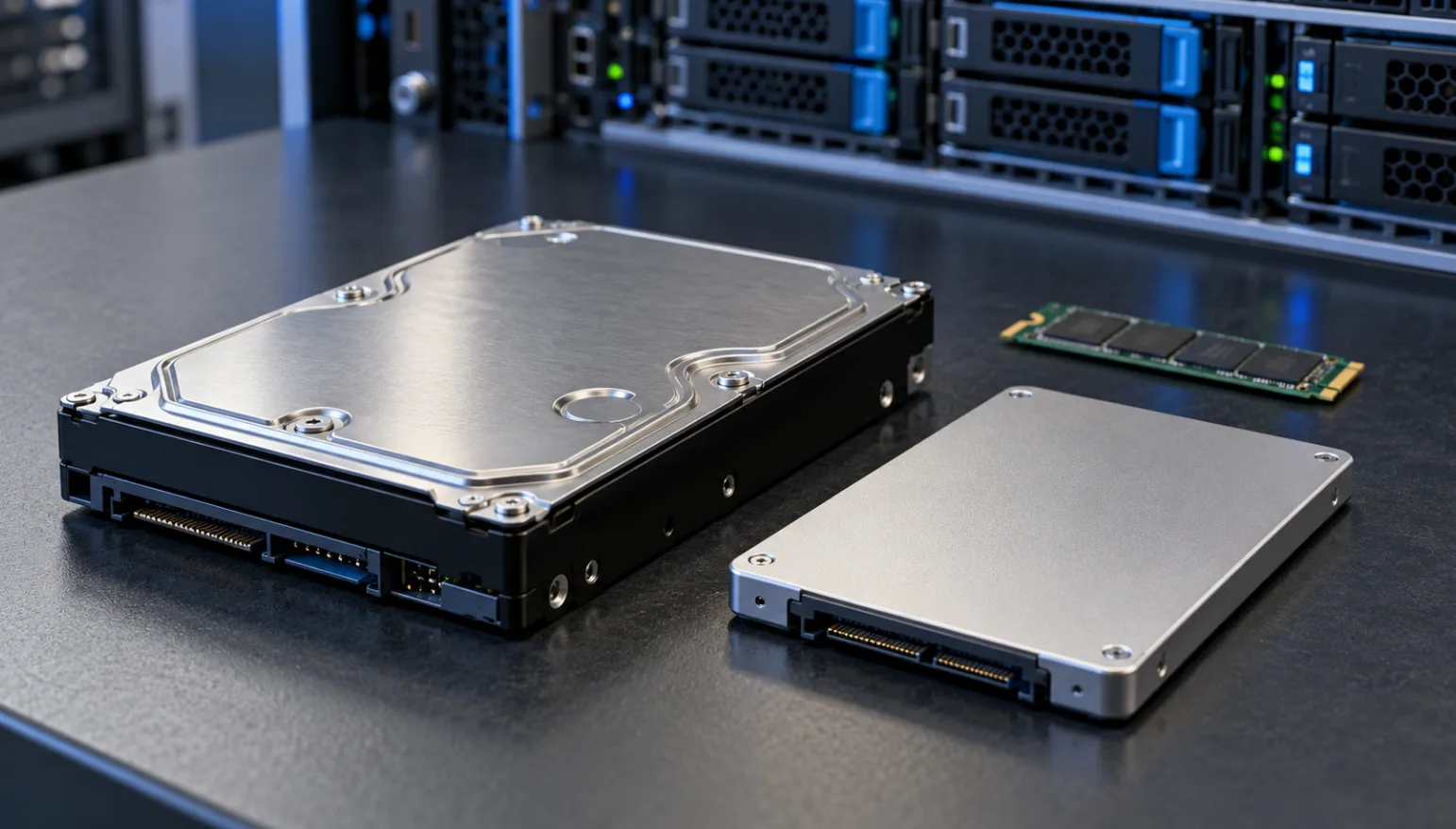
Take two Silicon Valley plans on NodeLivo. The dual L5630 dedicated server lists 16GB RAM and a 480GB SSD. The dual E5-2683v4 bare metal cloud server lists 64GB RAM and a 1TB HDD.
The processors, memory and product types differ, so you'll need to compare the complete configurations. Let's look at the storage choice first: when does capacity matter more, and when is an SSD worth prioritizing?
What matters for an admin area and database?
Publishing an article, updating stock or looking up an order might take one click, but it can involve several database reads and writes. Those small, scattered operations place different demands on storage from copying one large file.
SSDs generally handle small, random reads and writes better. If your application and database share a server, with people regularly signing in, placing orders or editing content, I'd look at SSD plans first.
I'd still check the CPU and RAM. A slow database query or a shortage of memory may need a different fix. Choosing an SSD doesn't remove the need to size the rest of the server properly.
Is 480GB enough? Start with what you're actually using.
Suppose your application, database and uploaded images occupy only 70–80GB. A 480GB SSD still leaves room in terms of capacity. You can then judge whether that room is enough for your expected growth.
If the site already holds several hundred gigabytes of images and attachments, take a closer look. Allow for the operating system, database, logs, temporary files and future growth. The size of today's website directory won't tell you everything.
Backups can take up space quickly, too. Keeping a full local backup every day can change your storage needs within a few days. Local backups can help with short-term recovery, but important data should also be kept outside the server so a failure of the whole machine doesn't take every copy with it.
Where does a 1TB HDD make sense?
An HDD plan is worth considering for historical records, archives and files that aren't accessed often, or workloads built around large, sequential transfers. For those jobs, capacity and the cost of the complete configuration may matter more.
A low-traffic static website may also run adequately on HDD storage, depending on caching and actual test results. I wouldn't rule out a server simply because its specification says HDD.
If an existing site already runs smoothly on HDD storage, there's no need to rush a migration. Check disk wait times, memory usage and response times during busy periods before deciding where to spend the budget.
You can look for more capacity and an SSD together
The choice isn't limited to a 480GB SSD or a 1TB HDD. NodeLivo's Silicon Valley dual Gold 6133 bare metal cloud plan, for example, lists 64GB RAM and a 1TB NVMe SSD.
If you need substantial online storage and frequent database access, add configurations like this to your shortlist. Then compare the CPU, RAM, network route and total price.
Before ordering, ask about the drive model, number of drives, usable capacity and whether RAID is included. An SSD or NVMe label alone doesn't answer those questions. Backup coverage needs a separate check as well.
How I'd choose for a website
For a new business website, content site or smaller online store, I'd check current usage and expected growth, then look for an SSD plan with suitable CPU and RAM. Getting everyday operations running smoothly is more useful than choosing extra capacity just because it's available.
If the site already has a large, growing collection of images and attachments, I'd compare larger SSD options or consider storing those files separately from the application. That makes it easier to work out what each part of the setup needs.
For material that's rarely accessed, I'd keep HDD options on the list and weigh capacity, access patterns and budget together.
The most useful step is to measure what your site uses now and estimate what you'll add next. Take those figures to the NodeLivo server catalog. They'll help you choose a configuration much more than comparing “480GB” with “1TB” on their own.