
Dedicated servers
Hong Kong E5-2630L × 2 Dedicated Server | 32GB RAM | 1TB HDD | China Optimized | 20Mbps | 1 IP | Unlimited | 20Gbps DDoS
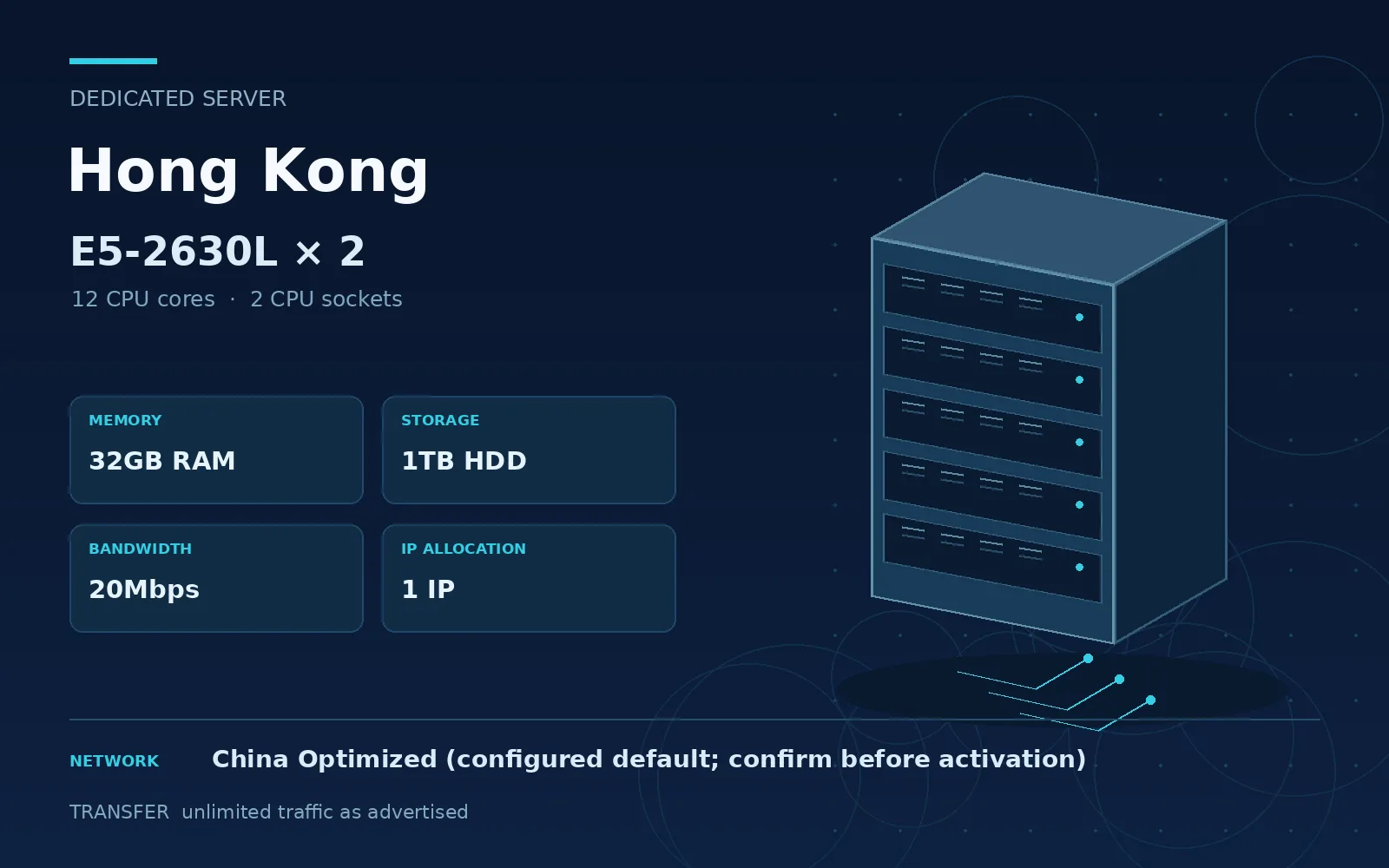
Hong Kong dedicated server with E5-2630L × 2, 32GB RAM, 1TB HDD, 20Mbps bandwidth and 1 IP; unlimited traffic as advertised.
 1 / 1
1 / 1The complete configuration
- CPU model
- E5 - 2630L*2
- CPU
- 12 cores
- Memory
- 32 GB RAM
- Storage
- 1000 GB HDD
- Port speed
- 20 Mbps
- Transfer allowance
- Unlimited traffic
- Location
- Hong Kong
- Network route
- Standard
- IP addresses
- 1
- Available operating systems
- Ubuntu 24.04 LTS, Ubuntu 22.04 LTS, Debian 13, Debian 12, Rocky Linux 9, Rocky Linux 8, AlmaLinux 9, AlmaLinux 8, CentOS Stream 9, CentOS Stream 10, Windows Server 2025, Windows Server 2022, Windows Server 2019, Fedora Server, openSUSE Leap, FreeBSD 14, Arch Linux
About this server
Hong Kong dedicated server with E5-2630L × 2, 32GB RAM, 1TB HDD, 20Mbps bandwidth and 1 IP; unlimited traffic as advertised. China Optimized is the configured default; confirm the route before activation.
This dedicated server configuration can be considered for website hosting, business applications, databases and service backends. Select it according to the listed resources and your workload requirements. The source lists a 20Gbps DDoS-protected IP; confirm the protection terms and protected traffic scope when arranging activation.
Monthly price: USD 179.00, matching the supplied catalog amount. Choose the available operating system at checkout and confirm the activation details with support.
Included in this plan
- Location: Hong Kong
- Service: Dedicated Server
- CPU: E5-2630L × 2
- Memory: 32GB RAM
- Storage: 1TB HDD
- Bandwidth: 20Mbps
- Traffic: unlimited traffic as advertised
- IP allocation: 1 IP
- Network: China Optimized (configured default; confirm before activation)
- DDoS protection: 20Gbps as listed
Setup and delivery notes
1. Check the CPU, memory, disk, bandwidth, traffic and IP allocation before ordering.
2. Select an available operating system and confirm the server location and network route.
3. After activation, use the delivered IP address and access details to connect to the server.
4. Change the initial credentials, configure firewall access and set up backups for your workloads.
5. Renew the service according to the selected billing period and contact support for configuration or delivery questions.